By Ramin Moradi · Sources checked 4 November 2026
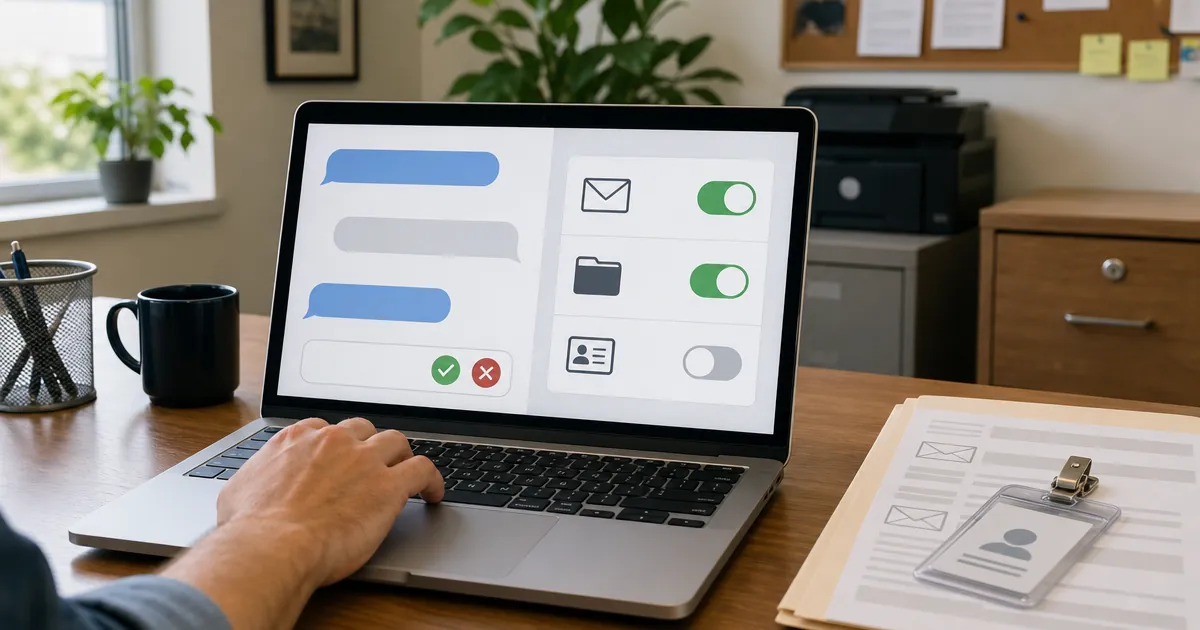
Give an AI agent its own narrow account, start read-only on one mailbox, folder or CRM view, and make a named person approve any send, delete, payment or external share. Allied cyber agencies say never grant unrestricted access to sensitive systems. Most small teams should hold write access until those gates exist.
That is the go/no-go call. Connecting ChatGPT, Copilot, Grok or a custom agent to company systems is not a productivity setting. It is an access decision with the same blast radius as handing someone a shared admin login. This page sits under black-box security audit and penetration testing. For how paid tests are scoped and priced, see penetration testing cost. Spend and overnight runaways are covered separately in how to stop an AI agent runaway bill.
What is AI agent security?
AI agent security is the practice of limiting what an autonomous or tool-using model can read and do on real systems, so a bad prompt, bug or hijack cannot send mail, change records or move money. It covers identity, permissions, approvals, logging and a kill switch, not just model filters.
OWASP separates model-as-component risks from agent risks. The OWASP Top 10 for LLM Applications 2025 includes Excessive Agency when a system can call tools with too much functionality, permission or autonomy. The OWASP Top 10 for Agentic Applications 2026 adds threats that only appear once the model plans and acts across workflows (goal hijack, tool misuse, identity and privilege abuse).
If your "assistant" can only chat inside a browser window with pasted text, you are mostly dealing with data you chose to show it. The moment it can open mail, files or CRM APIs, you are in agent territory.
Should I connect an AI assistant to company email and files yet?
Connect it only for a written low-risk job, with a dedicated account and read-only scope, after you can name who approves outbound actions and who can cut access in minutes. Otherwise wait. Allied guidance is blunt: start with low-risk, non-sensitive tasks and never grant broad access to sensitive data or critical systems.
On 1 May 2026, CISA and partners (including ASD's ACSC) published Careful Adoption of Agentic AI Services. The CISA announcement summarises the operator actions: avoid unrestricted access, begin with low-risk use cases, and fold agentic AI into your existing security model. The full ACSC page repeats "never granting it broad or unrestricted access, especially to sensitive data or critical systems."
A shared employee login fails that bar on day one. So does turning on every connector because the product UI offered a green button.
How much access is enough for email, files and CRM?
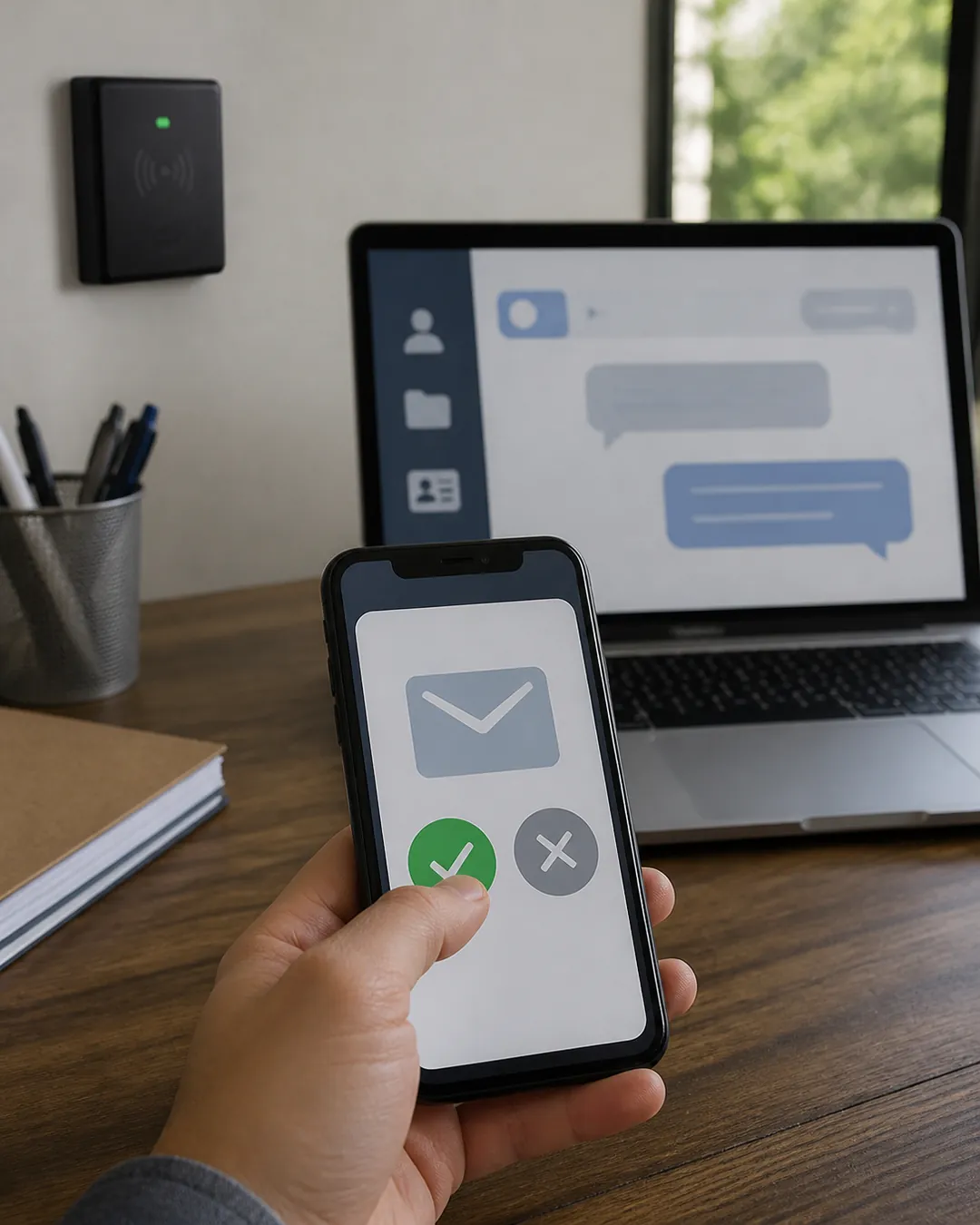
Enough means the narrowest scope that still completes one named job: one mailbox or shared inbox, one approved folder, one CRM pipeline or view, preferably read-only, with writes staged as drafts. Anything that sends outside, deletes, pays or changes permissions stays behind a human approval of the exact action.
OWASP's LLM06:2025 Excessive Agency names the failure modes as excessive functionality, excessive permissions and excessive autonomy. Their examples include a document plugin that can delete when you only needed read, a database identity with UPDATE rights for a read job, and deletions that run with no user confirmation.
A practical ladder we use when scoping automation work:
Rung | Examples | Default rule |
|---|---|---|
Read | Summarise one inbox; look up one CRM view | Allowed, logged |
Draft | Write a reply into Drafts; prepare a CRM note | Person sends or saves |
Reversible change | Tag a message; update a field with history | Logged; sampled; undo path |
External or irreversible | Send to a customer; delete; share a file outside | Person approves the exact action |
Money and access | Payments, refunds, permission changes | Person performs; agent only prepares |
Promote a rung only after you have watched failures on the lower one. Elapsed time alone is not proof.
What does "excessive agency" look like in a small business?
It looks like one bot that can read every mailbox, edit the whole drive and send as anyone, because that was the fastest setup. OWASP says damaging actions can follow from hallucination, prompt injection or a compromised tool, not only from a skilled attacker.
The Excessive Agency page is explicit: the vulnerability enables damaging actions "in response to unexpected, ambiguous or manipulated outputs from an LLM, regardless of what is causing the LLM to malfunction" (LLM06:2025). Triggers include benign-looking prompts that confuse the model, direct or indirect prompt injection, and peer agents that have already been compromised.
For a ten-person company the usual shape is simpler than an enterprise agent mesh: a founder connects a personal AI account to Google Workspace or Microsoft 365 with full mail and Drive scope, then asks it to "clean up the inbox" or "update the CRM from these emails." That is excessive permissions plus excessive autonomy in one click.
How do prompt injection and tool access interact?
Anything the agent reads can try to rewrite its instructions. If that same agent can send mail or change records, a poisoned email or document can become an action. Bound both what can be read and where output can go; do not rely on the model to "notice" a malicious instruction.
OWASP's LLM01 Prompt Injection covers direct and indirect injection: untrusted content that alters behaviour. The ACSC joint guide gives a concrete agentic example: malicious prompts inside phishing email that convince an email-monitoring agent to download malware (Careful adoption of agentic AI services).
So a read-only mail scope is not "safe" in the absolute sense. It still exposes private threads and can carry injection. It is safer than write-enabled mail because the blast radius stops at disclosure until a person hits send.
What should be true before you turn on write access?
You need a written job, a dedicated non-human identity, least-privilege scopes, an approval rule for high-impact actions, audit logs you can actually read, and a tested way to revoke the agent without hunting through personal accounts. If any of those are missing, stay on read and draft.
NIST's AI Risk Management Framework is voluntary, but it is the US baseline many buyers expect you to map to: govern, map, measure, manage. The ACSC guide tells operators to put human control points in the workflow (live monitoring, mandatory approval for decision steps, auditing and reversibility) and to apply least privilege with temporary credentials where possible.
Checklist before write access:
- One job sentence and a named owner.
- Agent identity that is not a person's daily login.
- Scopes listed as allow-lists (mailbox X, folder Y, CRM view Z).
- Approval rule for send / delete / pay / permission change.
- Logs that show tool calls and who approved them.
- Kill switch rehearsed once (revoke token, disable connector, pause workflow).
- Hard spend caps on any model API the agent can call (see the runaway-bill guide).
How does Overlord run its own AI tools?
We treat internal AI helpers like junior contractors with badge access, not like co-founders. Reads on scoped hubs are fine. Any write, send or payment needs a named human's OK. Credentials are never printed into chat or moved between tools casually. Each toolset has one scoped hub. There is a kill path.
I lead engineering and security work at OVERLORD Team LTD. The rules above are how we run production agent and automation work for ourselves: free-tier and paid model calls sit behind spend limits, outbound actions wait for a person, and a vague job with open-ended tools does not ship. That is first-hand operating practice, not a client case study and not a benchmark against another vendor's marketing page.
Spend controls (hard caps vs alerts, step limits, failure stops) live in how to stop an AI agent runaway bill. This page is the data-access twin: same discipline, different failure mode.
What about Microsoft 365 Copilot or Google Workspace assistants?
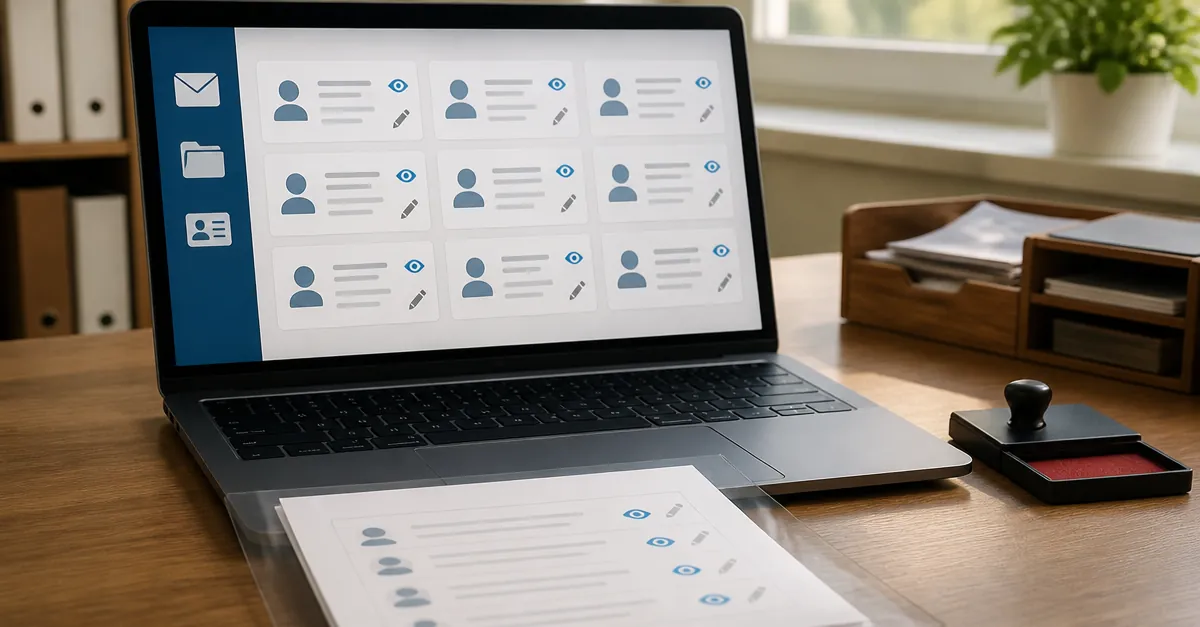
Vendor assistants such as Microsoft 365 Copilot and the Google Workspace assistants inherit whatever the signed-in user can already see. So a shared folder nobody cleaned up becomes easy to find with a single prompt. Fix oversharing before you turn the assistant on, and do not treat "the product is from a big vendor" as a permissions review.
Microsoft's Data, Privacy, and Security for Microsoft Copilot page states that Microsoft Copilot "only surfaces organizational data to which individual users have at least view permissions," and that you must use Microsoft 365 permission models so the right people have access. Overshared SharePoint and OneDrive content therefore becomes easier to find through the assistant. That is a configuration problem you own, not a model quirk. Apply the same ladder: dedicated or well-scoped account, least privilege, human send for external mail, and a revoke path.
If your CRM connector asks for full admin scopes to "draft notes," stop and ask for a read-only or draft-only role. Many products can do less; the OAuth screen defaults to more.
FAQ
Is a prompt filter enough to secure an AI agent?
No. Filters help and still miss cases. OWASP treats Excessive Agency as a permissions and autonomy problem, and Prompt Injection as content that can rewrite behaviour. Safety comes from scoped identity, approvals and limits around the model, not from hoping the model refuses.
Does read-only access remove the risk?
No. Read-only still exposes private data and can carry indirect prompt injection. It does remove the agent's ability to send, delete or pay on its own, which is why it is the right starting rung.
Should every staff member connect their own AI tools?
Not by default. Keep an approved-tools list and one person accountable for access decisions. Staff connecting personal AI accounts to company mail is how credentials and customer threads leave your control without a ticket.
Does Automation Lite include security review of connectors?
Automation Lite is free: we set up a free automation for you, and you manage it on our platform at no cost. Scoped access and approval gates are part of how we design automations. It is a permanent free offer, not a trial. Deeper access reviews and pentests sit under the security service when you need them.
When is a paid security review worth it?
When an agent will touch customer PII, payment flows or admin APIs, or when you cannot explain who can stop it. A black-box security audit is the right next step once the ladder above is written down and you need an outside test of what the agent can actually reach.
What to do next
- Write the job in one sentence and pick the lowest rung that still works.
- Create a dedicated agent account and cut every scope you cannot defend.
- Rehearse revoke once, and put hard spend limits on any model API it can call.
If you want help scoping those permissions into an automation or a security review, book a free 30-minute assessment.
AI-assisted draft, human-edited and fact-checked against the cited primary sources on 4 November 2026 (Europe/Istanbul). No invented client results or spend figures.
Comments